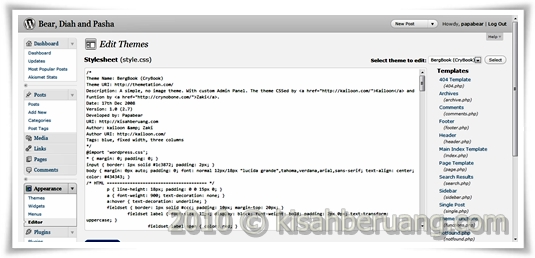
 After completing the 3-column widgetized footer, I had the problem of aligning them to the center of the page. CSS does not support float:center and Divs does not recognize the <center> command. CSS only allows float:left and float:right and that's about it. I guess it does not make sense to float things to the center of nowhere...
My first workaround was to play with the margin.
float: left;
margin: 0 0 0 190px;
That code started the footer 190 pixels away from the left edge of the screen and that worked for me. However, one or two visitors were complaining that the chat box, which is on the right footer was way too far down. I did not understand the problem at first. Then upon testing it on a 800x600 screen, I found that there was not enough space for the right footer to be on the right. So, it went below the left and the middle footer. Duh... Back to research then...
Finally, after hours of research and reading articles from mostly frustrated people who wished that there was a CSS command that would center everything, I bumped on the solution. It was really simple. Instead of using float, I just need to play around with the auto margin function. Found this while reading the whole CSS of this theme one line at a time...
width: 960px;
margin: 0px auto;
See, there is no need to float it anymore. It is important to specify the width so that the browser knows where the center point is.
p/s:
This entry might make no sense to most of you but I need this as my own reference when tweaking new themes... Yup, Papa Bear does not create, only tweak...


No comments:
Post a Comment